
New fab art direction
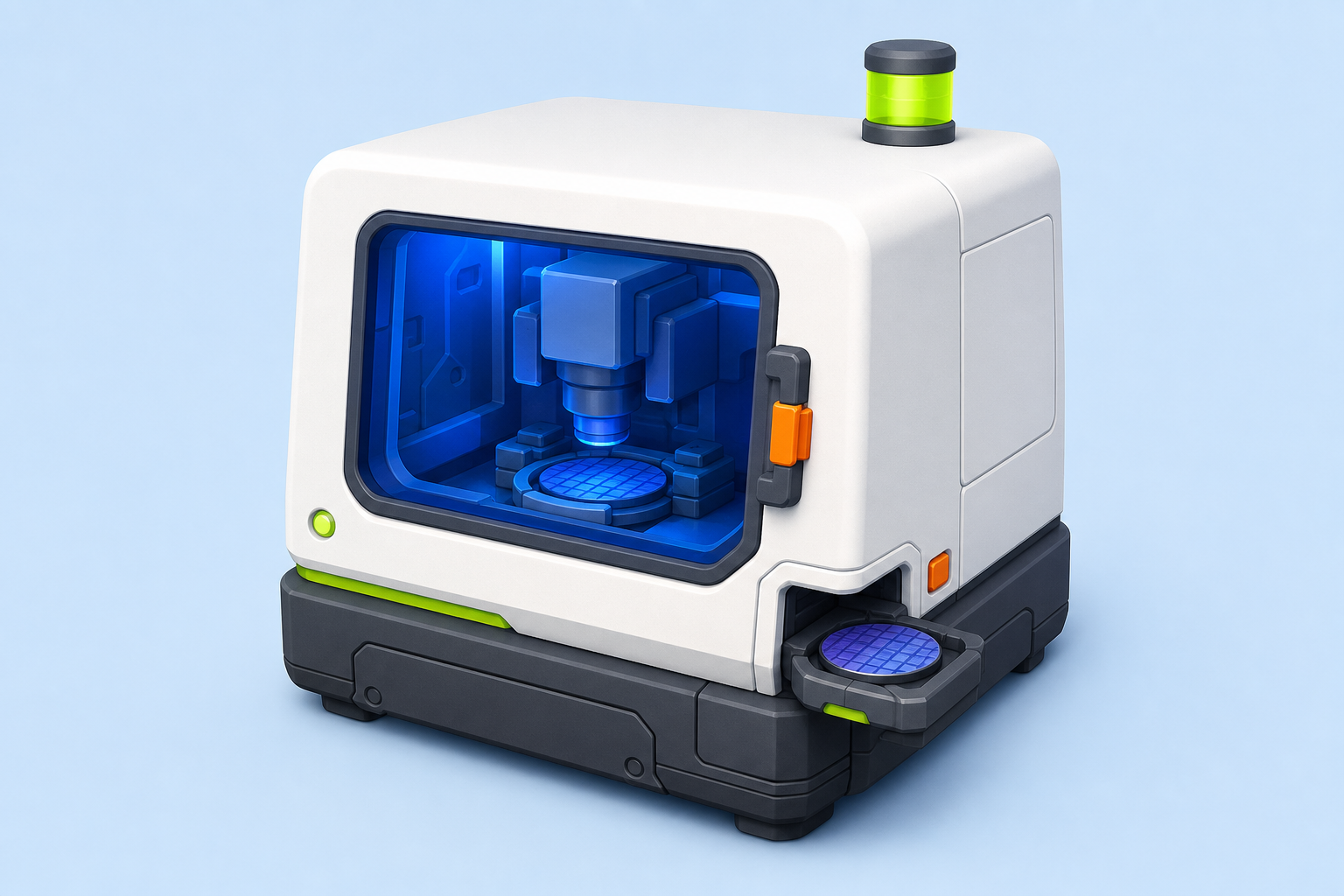
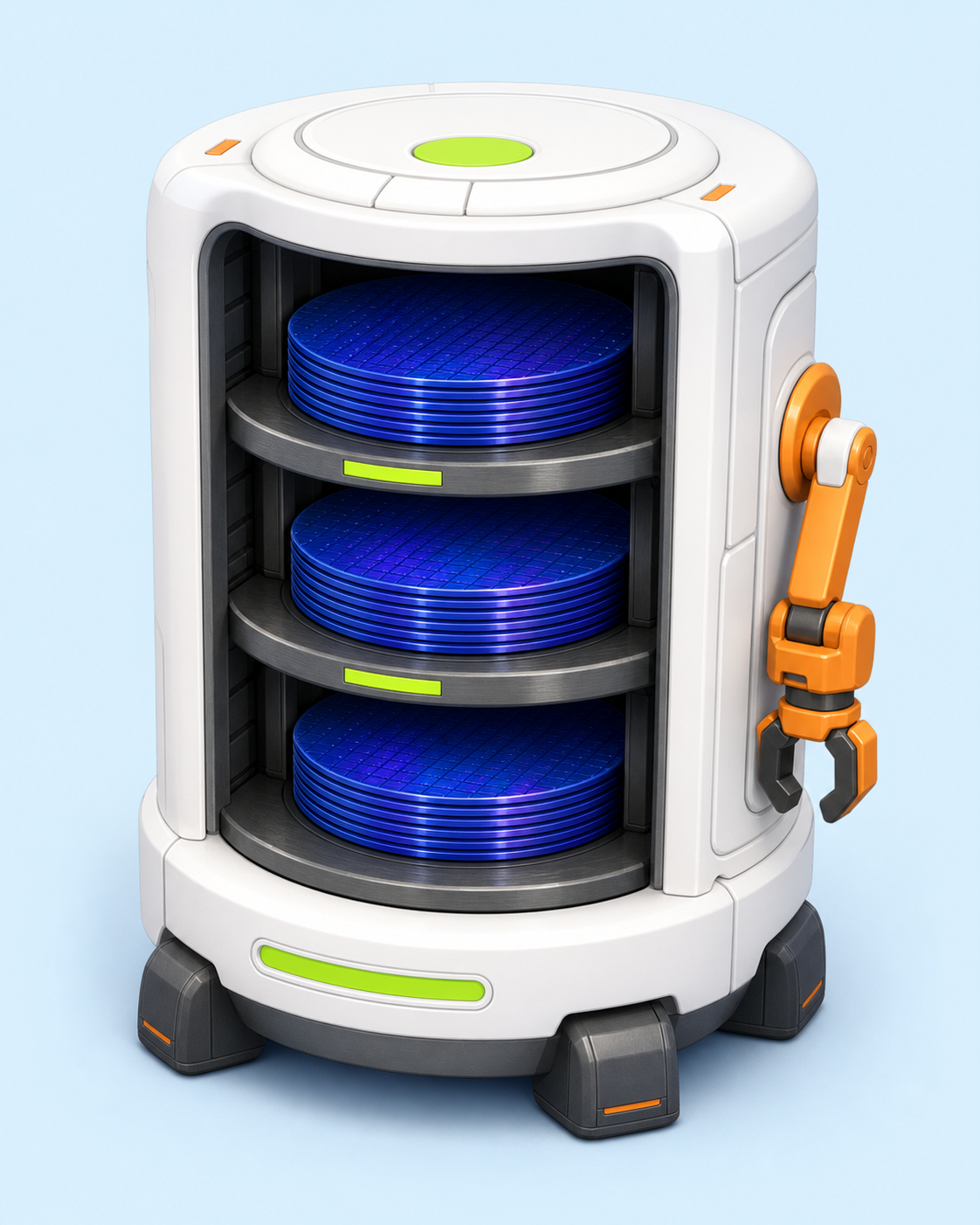
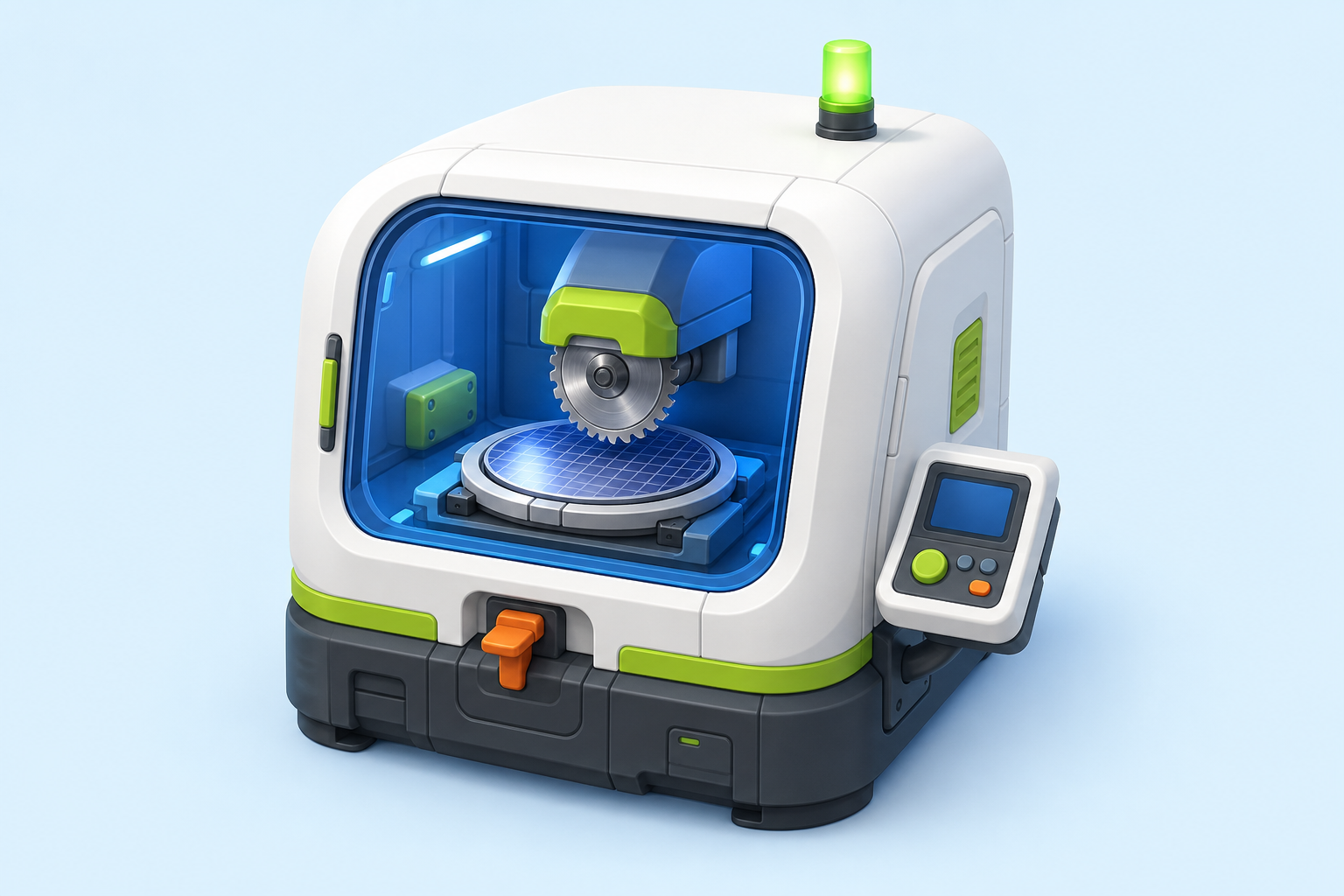
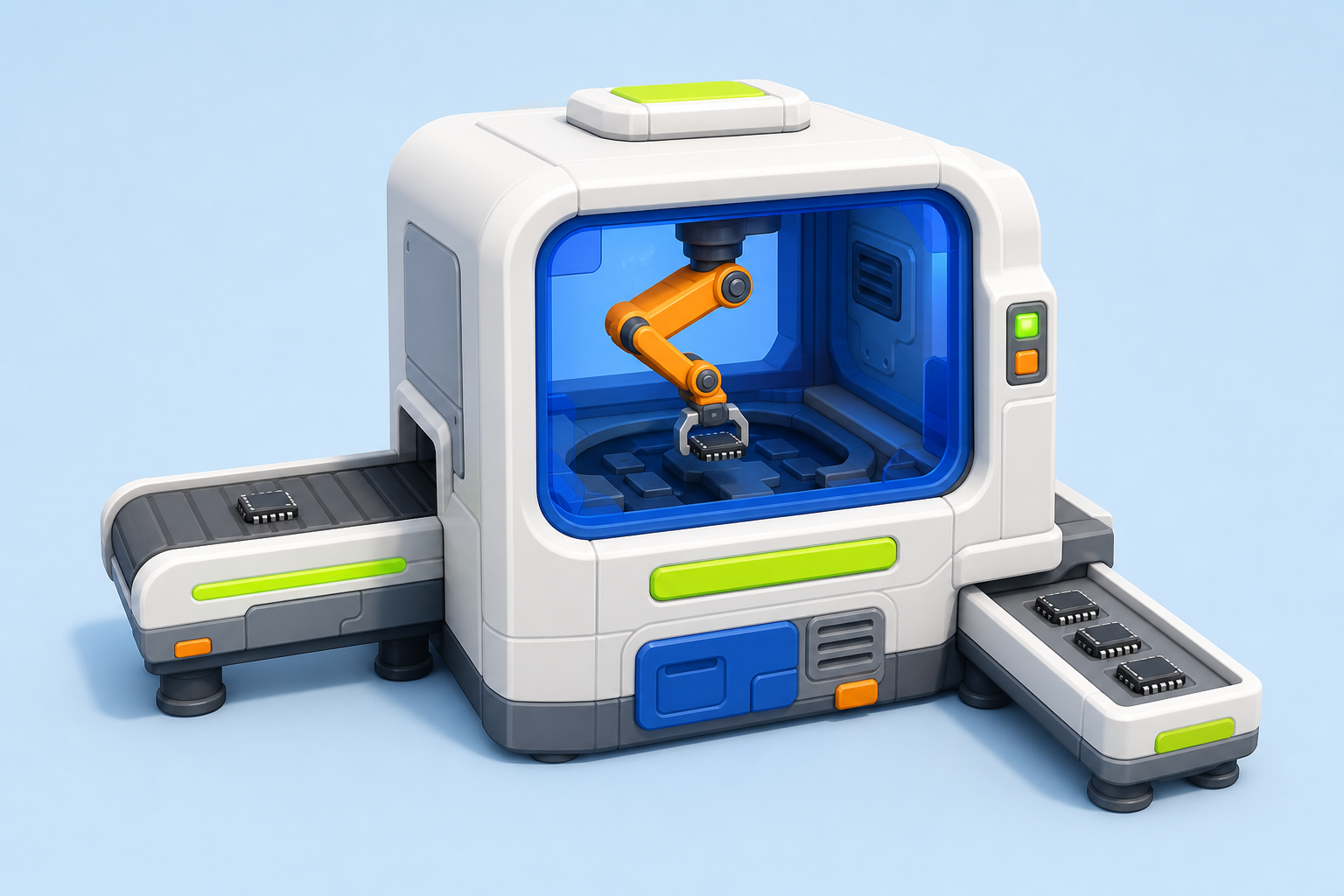
Rounded cleanroom machinery, toy-like proportions, and readable color-coded subsystems keep the campus playful while every model remains procedural and animation-ready.
1. What is GPU?
Graphics Processing Utility (GPU) is a gamified, virtual silicon-farming game on Robinhood Chain — an EVM L2 settling on Ethereum. You burn $GPU tokens to deploy virtual Wafer Fabs and Cleanrooms in your own 3D warehouse. Those facilities produce rewards over time, paid out from a 50M $GPU Emission Reserve released via a Bitcoin-style halving curve.
Think of it like an incremental game where every action is on-chain: your fabs and cleanrooms are real state, your burns reduce the $GPU supply, and your rewards settle to your wallet.
Both Wafer Fabs and Cleanrooms accrue $GPU per second. Progression is wallet-wide: you raise your Warehouse Level to unlock more facility slots, more daily supply pods, and higher rarity pools. Cleanrooms earn bonus slots at higher levels; Wafer Fabs are claim-only in v1.
2. Quick start
- 1
Connect a wallet
Open the Fab Floor and sign in with email or Google to create a Privy embedded EVM wallet. You can also link MetaMask, Rabby, or Robinhood Wallet. Unauthenticated guest addresses are not supported because they cannot securely authorize transactions.
- 2
Deploy your first facility
Tap Deploy. Pick a Wafer Fab or Cleanroom, burn the required $GPU + small ETH fee, and it appears in your warehouse.
- 3
Let it produce
Nodes accrue rewards every second based on your components’ grow-power and your share of the global halving emission. Watch pending rewards tick up in your HUD.
- 4
Claim, open supply pods, upgrade
Claim to cash out (2% fee, 1h cooldown), open Supply Pods to upgrade your components, or upgrade your warehouse to unlock more facilities and pods. Repeat.
3. Nodes: Fabs vs Cleanrooms
Node capacity scales with your Warehouse Level: 2 per family at L1, growing to 8 per family at L10 — and Cleanrooms add bonus slots on top (+2 at L5, +3 at L7, +4 at L9). Each node is an independent entity with its own components and production rate.
Wafer Fab
Front-end silicon production with lithography and wafer handling.
- ›Earns $GPU via the halving emission
- ›Funded by the 50M GPU Emission Reserve
- ›Claim-only in v1 — direct compounding is a Cleanroom feature
- ›Slots: Lithography Machine, Wafer Stack, Etch Chamber, Power Bus
Cleanroom
Back-end dicing, testing, cooling, and chip packaging.
- ›Earns $GPU
- ›Funded by the GPU reserve wallet
- ›Bonus facility slots at Warehouse L5/L7/L9 (+2/+3/+4 cleanrooms)
- ›Slots: Dicing Saw, Packaging Line, Test Handler, Cooling Array
4. Levels & Auras
Your nodes’ visual level mirrors your wallet’s Warehouse Level (L1 → L10). Each level upgrades the fab’s material era — rough steel through reinforced and high-tech to a black-and-gold prestige finish — and grows its size, making progress visible at a glance on the compound.
Production itself comes from your components, not the visual level: your rate = min(your GP / network GP, 30%) × E(t) × welcome boost — where GP (grow-power) is the Formula D multiplier of your installed components.
Higher levels also pump up the scene’s bloom intensity — a max-level compound looks visibly brighter than a fresh one.
Procedural Three.js sculpt · animation-ready hierarchy · 7 material tiers
Higher levels upgrade the fab’s material era (rough steel → reinforced → high-tech → black-and-gold prestige), grow its size, and light a powered deck ring at the milestone levels. The per-component rarity glow layers on top.
5. Components & Supply Pods
Each node has 4 component slots. Components are earned by opening Supply Pods — 10,000 $GPU each (split burn / reserve / treasury), plus a flat 0.00002 ETH protocol fee. Your daily crate limit scales with Warehouse Level — from 3/day at L1 up to 20/day at L10, per node type. Every drop has a rarity tier that multiplies the node’s output:
| Rarity | Multiplier | Visual |
|---|---|---|
| Common | 1× | |
| Uncommon | 1.8× | |
| Rare | 3× | |
| Epic | 10× | |
| Legendary | 50× | |
| Mythic | 300× | |
| Divine | 3,000× |
A node’s total multiplier uses Formula D: the average of its 4 slots’ durability-adjusted multipliers, raised to the power 0.75 (capped at 500×), then multiplied by a rarity-boost stack (Epic ×1.05, Legendary ×1.15, Mythic ×1.4, Divine ×2.0 per component). Empty slots count as Common. Higher rarity pools unlock with Warehouse Level: Legendary at L4, Mythic at L6, Divine at L8. Drop odds are published and a bad-luck-protection (pity) system guarantees dry streaks on the top tiers can’t run forever.
Slot compatibility: Wafer Fab components fit only in Wafer Fabs, Cleanroom components fit only in Cleanrooms. Each component has a specific slot (you can’t put a Lithography Machine in a Wafer Stack socket).
Use the Inventory page to move components between nodes — unequip from one, equip on another. The displaced component falls back to your locker.
Every slot, every rarity
| Wafer Fab slots | Common1.00× | Uncommon1.80× | Rare3.00× | Epic10.00× | Legendary50.00× | Mythic300.00× | Divine3000.00× |
|---|---|---|---|---|---|---|---|
| Lithography Machine | |||||||
| Wafer Stack | |||||||
| Etch Chamber | |||||||
| Power Bus |
| Cleanroom slots | Common1.00× | Uncommon1.80× | Rare3.00× | Epic10.00× | Legendary50.00× | Mythic300.00× | Divine3000.00× |
|---|---|---|---|---|---|---|---|
| Dicing Saw | |||||||
| Packaging Line | |||||||
| Test Handler | |||||||
| Cooling Array |
Each tile shows that slot at that rarity — rarer tiers add emissive glow that blooms in the scene. The live fab preview above shows the hero model these install into.
6. Earning & Claiming
Rewards accrue continuously, per second, based on:
- Your grow-power (Formula D multiplier summed across your nodes’ components)
- Your share of total network grow-power — capped at 30% per user
- The global halving emission rate E(t) (see section 9)
- Your welcome boost (8× → 1× over your first 72 hours)
Pending rewards are kept server-side and streamed to your HUD every ~10s. When you Claim All, every node’s pending balance is zeroed and the reserve wallet pays out the net amount to your wallet (2% fee retained in the reserve to keep emissions solvent). Claims have a 1-hour cooldown per wallet.
Crate installs and warehouse upgrades internally accrue first, so you never lose production between actions — you’re always paid at the rate you actually had for the time you had it.
7. Warehouse Levels
Your Warehouse Level (L1 → L10) is your wallet-wide progression track. Each upgrade costs $GPU — from 1,000 GPU for L2 up to 120,000 GPU for L10, split 50/30/20 burn / reserve / treasury — plus a flat 0.00001 ETH fee. Each level unlocks:
- More node slots per family (2 at L1 → 8 at L10; cleanrooms +2/+3/+4 bonus at L5/L7/L9)
- A higher daily crate limit (3/day at L1 → 20/day at L10, per node type)
- Higher rarity pools (Legendary at L4, Mythic at L6, Divine at L8)
Upgrades have a 12-hour cooldown. In a hurry, you can expedite: pay 0.005 ETH to skip the cooldown for one upgrade (the fee goes to the treasury).
See the full level table on the Tokenomics page.
8. Fees
Mint burn
70%
of GPU cost to burn wallet
Mint treasury
30%
of GPU cost to treasury
Mint ETH fee
0.0002 ETH
flat, per mint
Claim fee
2%
retained in reserve · 1h cooldown
Warehouse upgrade
1k → 120k GPU
L2→L10 · +0.00001 ETH · 12h cooldown
Expedite
0.005 ETH
skip the compound cooldown
Crate cost
10,000 GPU
flat, per pod · +0.00002 ETH fee
Upgrade & crate split
50/30/20
burn / reserve / treasury
Mints split 70/30 burn/treasury on the GPU leg; warehouse upgrades and crates split 50/30/20 burn/reserve/treasury. See Tokenomics for the live numbers straight from the backend.
9. How emission works
GPU uses a halving emission curve. Global GPU issuance starts at 20.7 GPU/sec at genesis and halves every 14 days until the Emission Reserve is fully paid out.
E(t) = 20.7 GPU/sec × 0.5 ^ (t / 14d)

Day   0  : 1.8M GPU emitted
Day  14  : 50% of lifetime emitted
Day  28  : 75% of lifetime emitted
Day  56  : 94% of lifetime emitted
Lifetime total: 50M GPU — the whole Emission Reserve,
5% of the 1B fixed supply
Each user earns a share of each second’s emission, proportional to their grow-power (sum of component multipliers across their nodes):
user_rate = min(your_gp / network_gp, 30%) × E(t) × welcome_boost

Two key mechanics:
  • Share cap: no user can capture more than 30% of emission
    (prevents lottery-in-thin-network wins)
  • Welcome boost: new users get 8× multiplier for 72h,
    linearly decaying — critical for latecomer retention
Why does emission halve? To front-load excitement during the first 2 weeks while still leaving meaningful yields for latecomers. By day 14, 75% of lifetime GPU has been distributed — but latecomers with the welcome boost still earn well for their first 72 hours.
You can always see current global emission and your share on the Treasury Core page — it’s fully public.
10. Safety & FAQ
Is GPU a financial product or investment?
No. GPU is an on-chain game. Rewards are not guaranteed — they depend on the halving emission schedule, reserve health, and the GPU token’s market value. Treat any token interaction as risk capital.
Can I lose my nodes?
Nodes don’t disappear. What can happen: if the protocol is paused by admin, or if the halving curve has fully decayed (past day ~93), accrual rates become very small or zero. The nodes themselves stay in your wallet permanently — they just stop earning meaningful yield as the halving tail approaches zero.
What if I lose access to my wallet?
GPU cannot recover wallet access. Protect your seed phrase. If you switch wallets, your nodes stay with the original wallet — there’s no transfer or migration feature in v1.
Where does the reward money come from?
GPU launches on Flap: the full 1B supply is minted to the bonding curve and the contract has no mint function, so no new GPU can ever be created. Of that, 50M GPU (5%) is acquired at genesis and held as the Emission Reserve, which funds every reward the protocol will ever pay. The other 950M (95%) is public float. Each second, the halving curve determines how much GPU flows out to users proportional to their grow-power share, and the reserve split on in-game spends recycles GPU back into the pool. Protocol ETH revenue (ERC-20 transfer tax (2%) + DEX LP fees (2%)) goes to a separate treasury and funds infrastructure/ops, not user rewards. The Vault page shows the protocol’s live ledger — reserve balances, burns, and treasury events; on-chain verification of the reserve wallet lands with real-mode launch.
How many nodes can I own?
It scales with your Warehouse Level: 2 per family at L1 up to 8 per family at L10. Cleanrooms add bonus slots on top (+2 at L5, +3 at L7, +4 at L9), so a maxed wallet can run 8 fabs and 12 cleanrooms. The caps keep the 3D scene readable and prevent farming rewards with an unbounded number of bare nodes.
What happens at Compound L10?
L10 is the current max. From there, output growth comes from better components — higher rarity pools, pity protection on the top tiers, and keeping durability fresh. The prestige black-and-gold finish stays.
Is my data safe?
GPU reads wallet addresses only — no email, no KYC. Your game state (nodes, components, pending rewards) lives on GPU servers keyed to your wallet; token balances, burns, and claim payouts settle on Robinhood Chain to your wallet.